
WFO (Work From Outside) Is the Work Trend You Need to Know for Spring

Ready to swap your dining-table desk for fresh air and soft birdsong? This spring, many of us are experimenting with Work From Outside (WFO)—a simple twist on Work From Home (WFH) that moves your laptop to the patio, balcony, garden, or porch for part of the day.
The goal isn’t to build a designer backyard office or to sit in a hammock for eight hours. It’s to create a comfortable, functional outdoor nook where you can focus, meet, and think more clearly—without fuss, and without frying your screen in the sun.
Below is a friendly, practical guide to make WFO feel easy, productive, and genuinely enjoyable.
Find the Perfect Decor for Your Patio and Garden!

- Thoughtful Christmas Gifts: Comes in a beautifully designed...
- Automatic Solar Operation: Charges efficiently with 6-8...
- Versatile Home & Garden Decoration: Suitable for garden...


- FUNNY FROG FIGURINES - This adorable frog will leap right...
- SAFE SOLAR POWERED LIGHT - Brighten up an entryway or...
- DURABLE OUTDOOR LAWN DECOR - This chic Lawn Frog Ornaments...

- Irresistible Goose Charm: Vibrant floral accents and a...
- All-Weather Durable: Crafted from premium waterproof resin,...
- Solar-Powered Glow (No Fuss): Flip the porch goose’s...
What WFO Is (and Isn’t)
WFO means setting up a temporary, reliable workspace outdoors for a portion of your workday. Think “move out for one meeting” or “draft the report on the patio for an hour,” not “relocate the entire office.”
Expect small tweaks—good shade, stable seating, dependable Wi-Fi, and a plan for glare—to make a big difference. Done right, WFO keeps your body more relaxed, your mind refreshed, and your inbox moving.
 Set Up Smart Shade
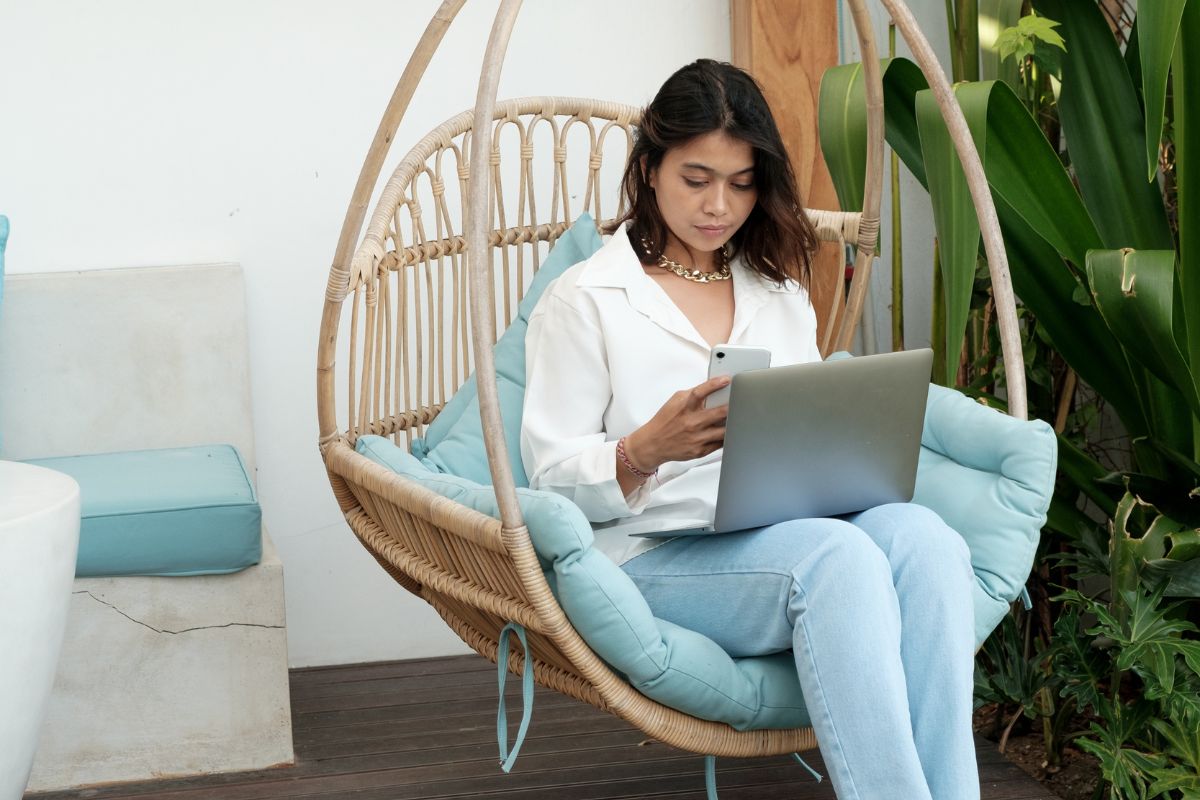 Set Up Smart Shade
Harsh sunlight looks lovely on plants, not on laptop screens. Start with shade, then place your chair and table under it so you’re not squinting, sweating, or battling glare all day.
Umbrella vs. Pergola vs. Shade Sail
Umbrellas are quick and flexible—great for renters or small patios. Look for tilting poles so you can chase shade as the sun moves.
Pergolas add structure and can support retractable canopies or climbing plants that double as natural privacy screens.
Shade sails are affordable, modern looking, and excellent for larger areas. Choose UV-resistant, breathable fabric and tension the sail properly so it doesn’t flap on breezy days.
Pro tip: Fabrics marketed for marine/outdoor use—acrylic or solution-dyed textiles (e.g., brands like Sunbrella)—resist fading, mildew, and moisture better than basic polyester. The point isn’t the logo; it’s choosing durable, weather-tough materials so your shade lasts.
Ergonomics Outdoors (Without the Back Pain)
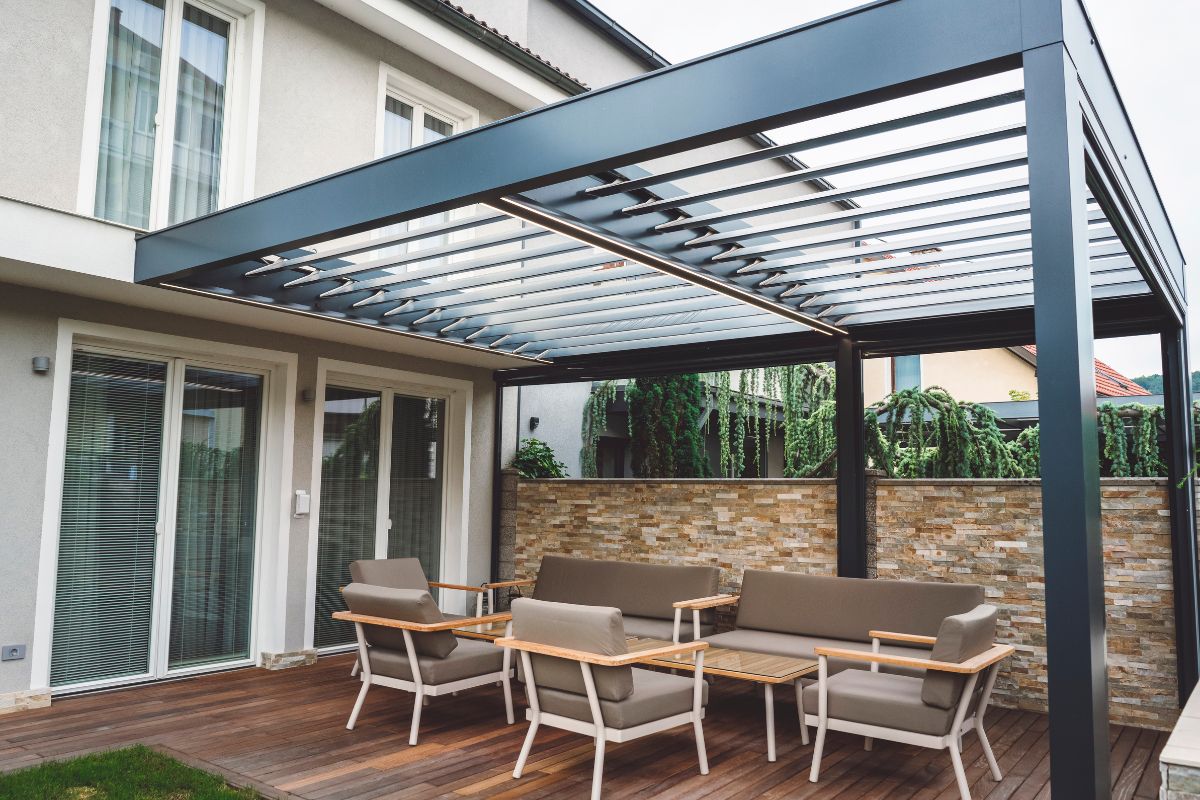 Ergonomics Outdoors (Without the Back Pain)
You don’t need a full office chair to stay comfy outside. Aim for neutral posture: shoulders relaxed, elbows near 90°, wrists in line with forearms, and feet supported.
Get the Height Right in 60 Seconds
Use a stable table that keeps your laptop around elbow height when you type. If the table is low, raise your screen with a stand or a sturdy book and use an external keyboard.
If the chair seat is deep or hard, add a thin cushion or small lumbar pillow. A lap desk is a smart backup when seating is casual.
Hammocks and loungers are lovely for short reading breaks, not long typing sessions—save those for creativity sprints rather than meetings or spreadsheets.
Connectivity & Power You Can Trust
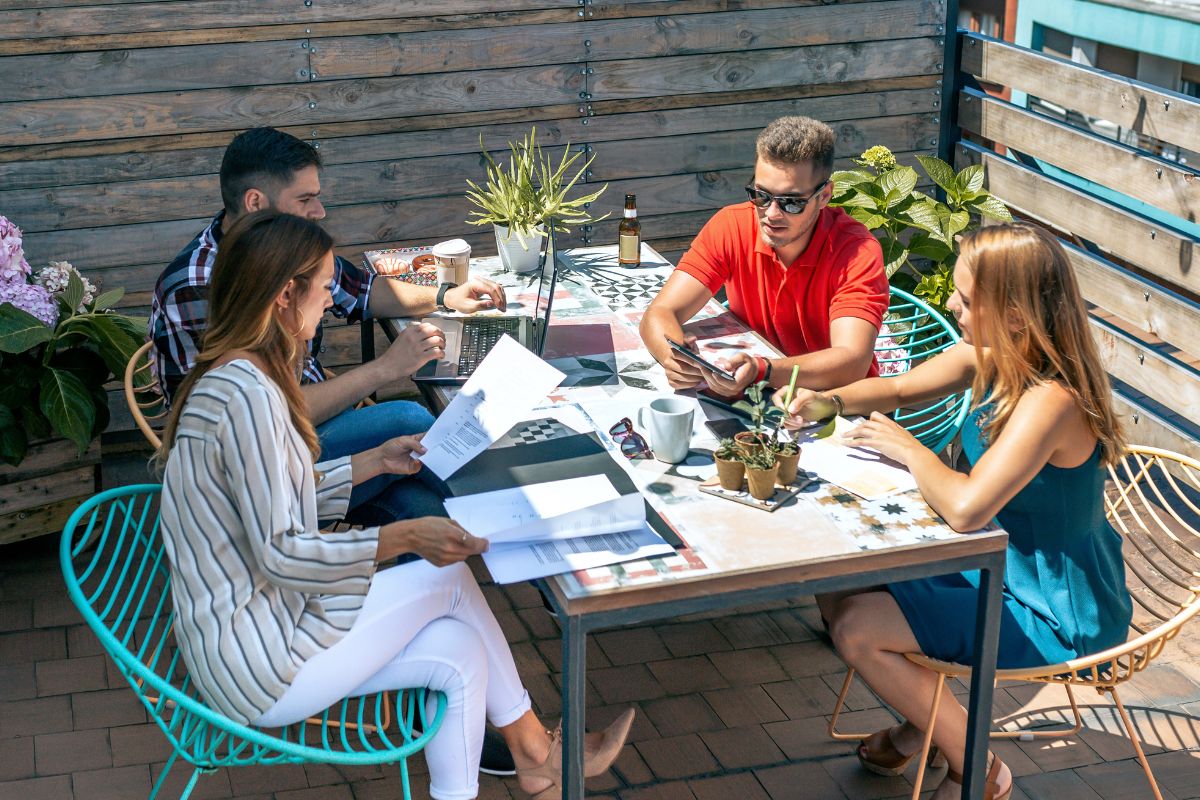 Connectivity & Power You Can Trust
Great shade isn’t helpful if your call drops. Plan for Wi-Fi and battery before you settle in.
Wi-Fi, Hotspots, and Power Basics
If your signal weakens outside, try a mesh router node near the door or a Wi-Fi range extender. On calls, have a mobile hotspot ready—your phone or a dedicated device—to avoid awkward freezes.
Keep a weather-safe extension cord within reach or charge fully beforehand and bring a power bank for your laptop. A USB-C hub keeps your setup tidy if you plug in a mouse, keyboard, and headset.
Beat Glare, Noise, and Distractions
 Beat Glare, Noise, and Distractions
Nothing sabotages outdoor work like a mirror-bright screen or unexpected leaf blowers.
Anti-Glare, Orientation, and Soft Barriers
Attach a matte anti-glare filter to your laptop and reduce screen brightness once you’re seated. Face your screen away from direct sun; placing your back toward a wall, hedge, or privacy screen often cuts reflections.
For noise, ANC (active noise-canceling) headphones are your friend, and soft landscaping—planters, trellises, thick textiles—helps absorb sound. Natural dividers (bamboo screens, tall grasses, climbing vines) add privacy without feeling boxed in.
Weather-Proof Plan (Because Spring Has Opinions)
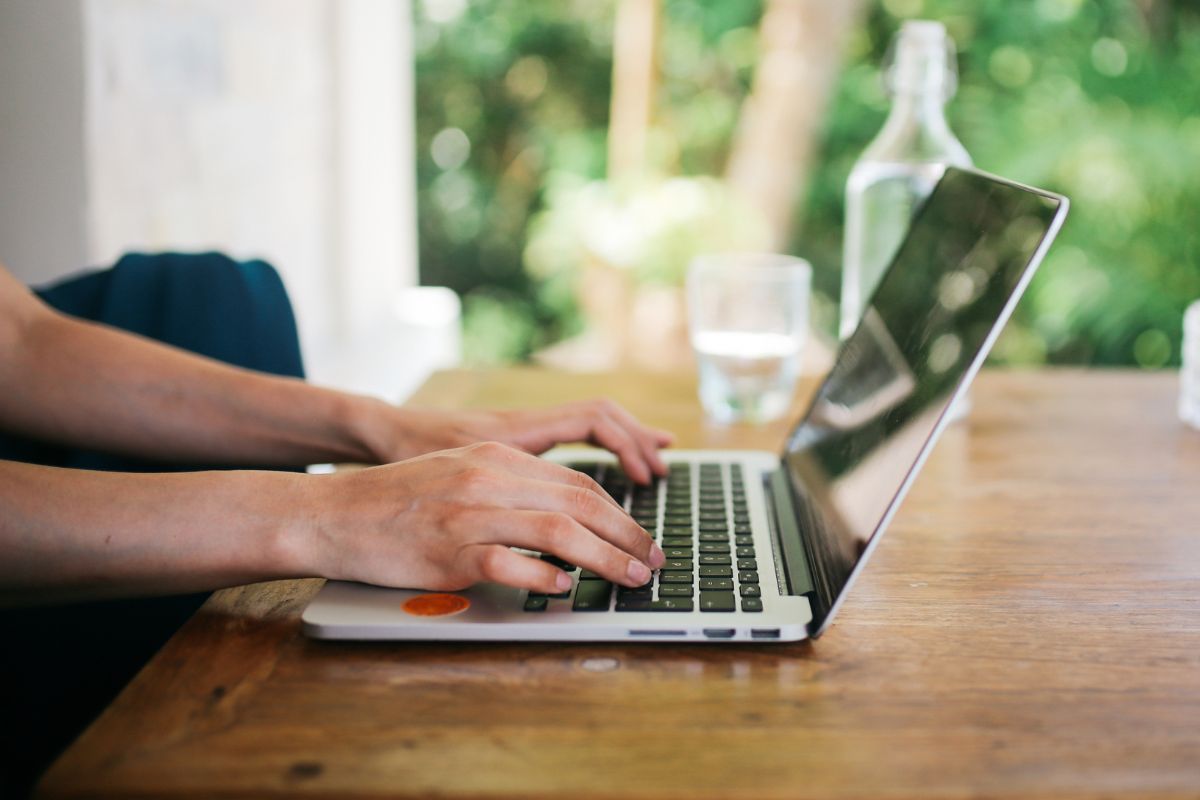 Weather-Proof Plan (Because Spring Has Opinions)
Spring is generous with surprises—wind, pollen bursts, sudden drizzle. Build a Plan B so you’re never stuck.
Quick Backups for Real-Life Weather
Keep a light jacket or shawl handy for temperature swings. Stash lens wipes or a soft cloth for pollen and dust.
If a shower rolls in, have a nearby covered spot—porch, awning, gazebo—or an easy indoor fallback desk. For breezy days, clip desk weights or a small binder for papers, and secure your umbrella or sail properly.
Outdoor Call Etiquette
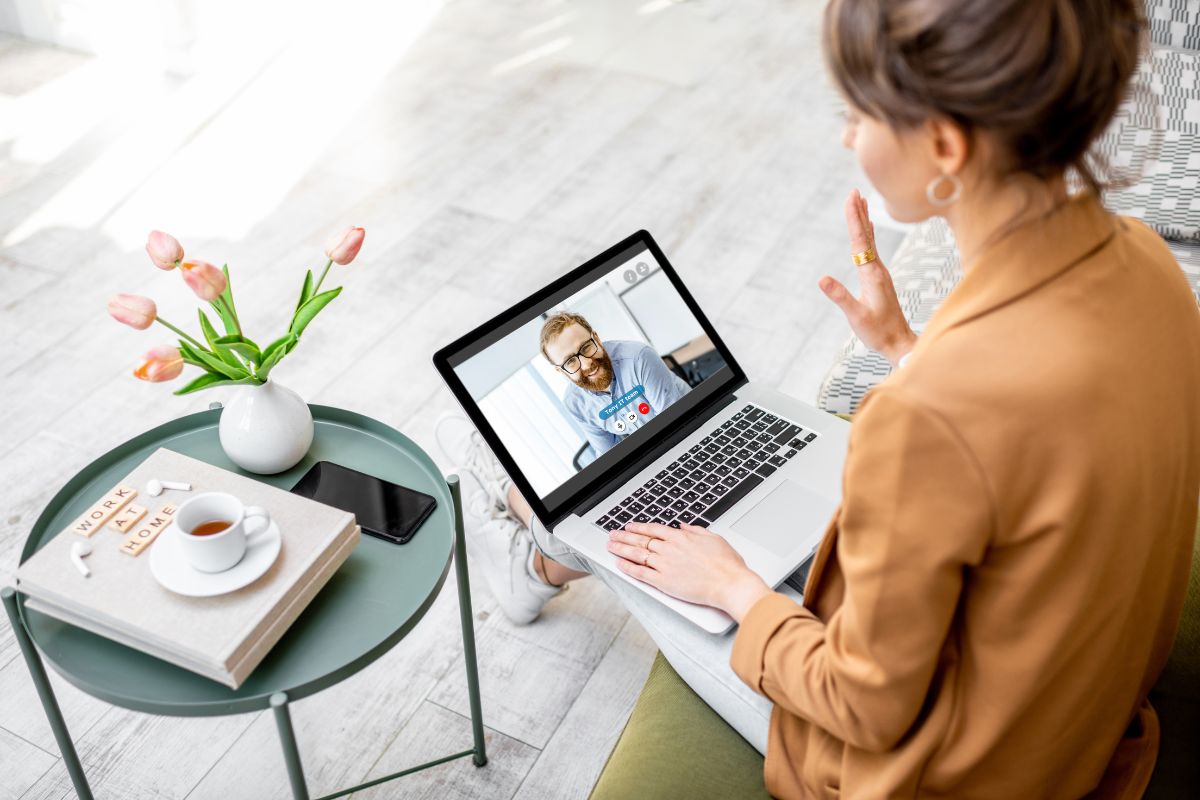
A little planning makes your video calls look and sound professional—even on the patio.
Framing, Lighting, and Background
Choose a simple backdrop: a blank wall, leafy plant, or pergola column. Avoid backlighting from the sky; turn your face toward the shade for even, flattering light.
Test your mic outside—wind can be louder than you think. If you’re near neighbors, close-back headphones help prevent audio bleed. And remember privacy: if you handle sensitive work, angle your screen and consider a privacy filter.
Comfort Extras That Actually Matter
 Comfort Extras That Actually Matter
Small touches turn “I’ll try WFO once” into “Why didn’t I do this sooner?”
Tiny Upgrades, Big Payoff
Keep water within arm’s reach, plus sunscreen and bug repellent as your climate demands. A light blanket or seat cushion extends comfort for longer sessions.
If pollen or glare is seasonal in your area, schedule WFO blocks for mid-morning or late afternoon—often the most comfortable windows for temperature and light.
Quick WFO Checklist (Save This)
Reliable shade and a stable table/chair
Anti-glare filter and screen oriented away from sun
Wi-Fi plan (mesh/extender) and hotspot backup
Power plan (charged devices, extension cord, or power bank)
Noise & privacy (ANC headphones, simple backdrop, privacy filter)
Comfort kit (water, sunscreen, bug spray, light layer)
Plan B (nearby covered spot for surprise weather)
Try It This Week
 Try It This Week
Pick one task that doesn’t require dual monitors—emails, writing a brief, planning your week—and take it outside for 20–40 minutes. Notice what helps you focus: the shade angle, the chair height, the time of day.
Then tweak one thing at a time until your outdoor setup feels effortless. With a few thoughtful choices—smart shade, ergonomic posture, dependable connectivity, and a weather-aware backup—Work From Outside becomes a refreshing, sustainable part of your routine, not a one-off novelty.
Ready to give WFO a go this spring? Start small, stay comfy, and enjoy the simple boost that comes from working in the open air.
Did you find this post useful or inspiring? Save THIS PIN to your HOME Board on Pinterest! 😊

More Home Tips 👇🏼👇🏼