
The Best Way to Mount a TV


Mounting your TV doesn’t have to feel like a contractor-level job. With a reliable stud finder, the right TV wall mount, and a couple of safety checks, you’ll enjoy a cleaner look, better ergonomics, and a screen that actually stays put.
This guide walks you through choosing between fixed, tilt, or full-motion mounts, setting the ideal TV wall mount height, fastening to different wall types (wood, metal studs, brick or concrete), and how to hide TV cables in a way that’s neat and code-conscious.
What You’ll Need (A Real-World Checklist)
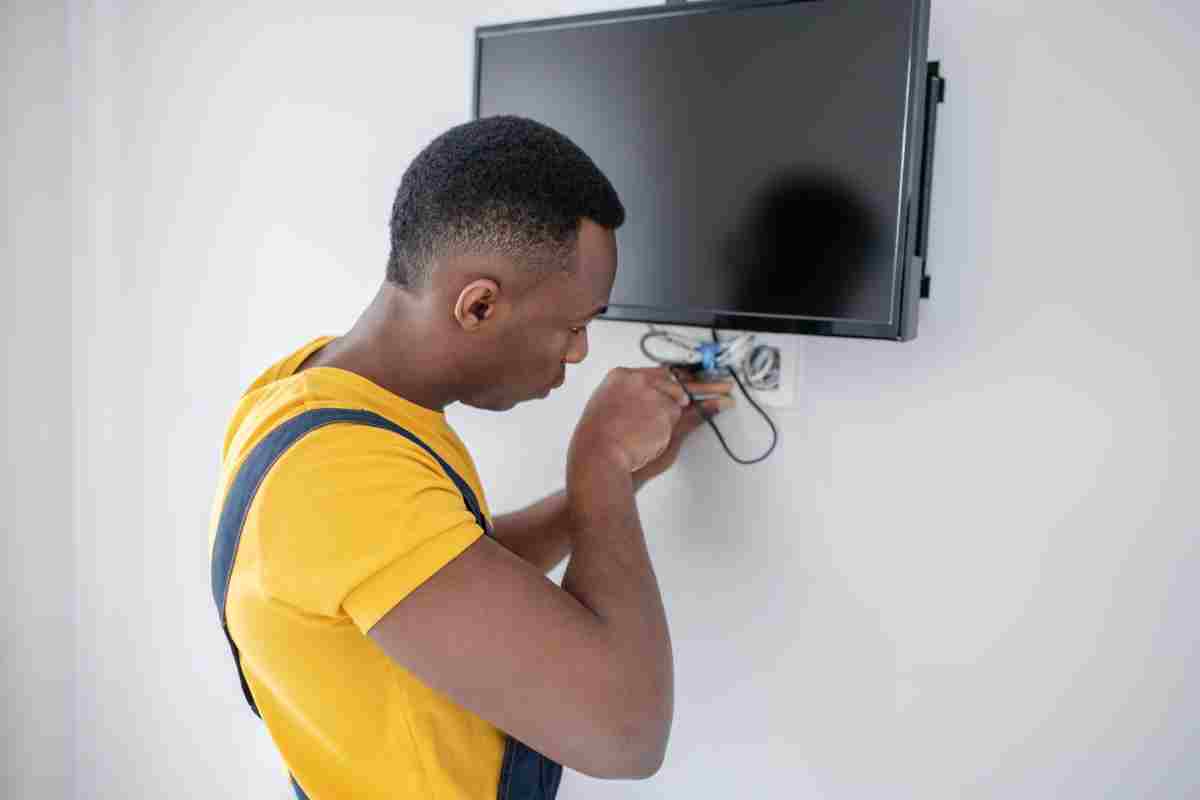
Stud finder with AC detection to locate studs and warn about live wires
Non-contact voltage tester for an extra safety check
Level (a laser or a 24" spirit level keeps everything straight)
Drill/driver + bits matched to wood, metal, or masonry
Lag bolts/M8 hardware supplied or specified by your mount’s manufacturer
Socket wrench (faster and safer than stripping screws with a driver)
Painter’s tape & pencil for marking holes without scuffing paint
Measuring tape and a helper (TVs are awkward—protect the panel)
Optional for cable management: in-wall power relocation kit (UL-listed), low-voltage cable pass-throughs, or surface raceway
Tip: Before drilling, do a quick sweep with the stud finder and voltage tester to avoid hidden wires or pipes.
Choose the Right Wall Mount
The best mount depends on your room, seating, and how often you adjust the screen. Understanding options prevents wobble, glare, and buyer’s remorse.
Fixed vs Tilt vs Full-Motion
Fixed mount: Lowest profile and most affordable. Great when seating is directly in front and at the correct height. Minimal cable access after installation.
Tilt mount: Lets you angle the TV down slightly to reduce glare or help when mounting higher than eye level (e.g., above furniture). Keeps a slim look but improves comfort.
Full-motion (articulating) mount: Extends, swivels, and tilts. Ideal for corner setups, open-concept rooms, or multiple seating areas. Requires robust anchoring because the arm increases leverage on the wall.
SEO tip: If you often read from the kitchen island or different spots, a full-motion TV wall mount is the most flexible choice.
Weight Rating & VESA Made Easy
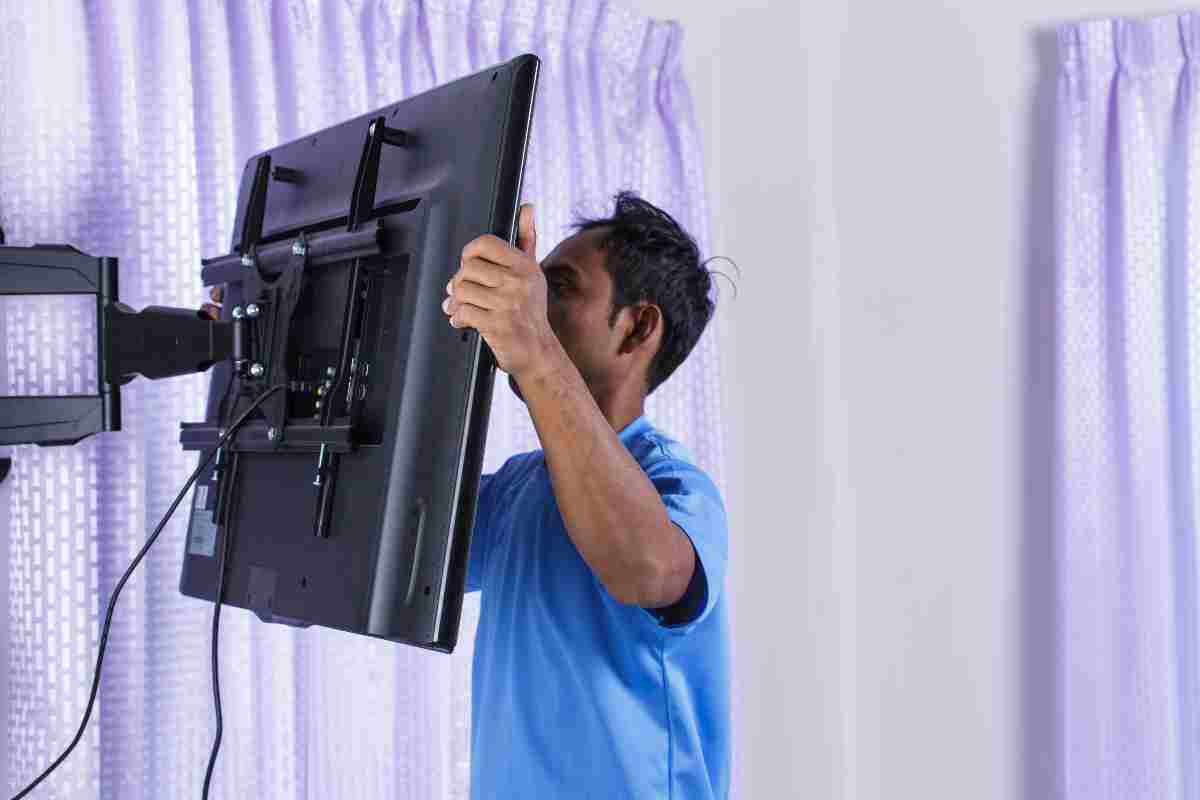 Every TV has a VESA pattern—the distance between the four mounting holes on the back (e.g., 200×200, 400×400, 600×400). Match your TV’s VESA and weight to the mount’s specifications.
Check your TV manual or measure horizontally and vertically between the holes.
Choose a mount with a weight rating that exceeds your TV’s weight, especially if it’s a full-motion arm.
Find the Safest Spot
Good placement is about comfort and viewing quality as much as safety.
Ideal TV Height (Eye-Level Rule of Thumb)
A simple starting point is centering the screen around 40–42 inches from the floor for typical sofa seating.
If your TV is large or your seating is farther away, you can nudge a bit higher. If the mount must sit higher than eye level, use a tilt mount so the screen faces viewers—your neck will thank you.
Mounting Above a Fireplace?
It’s not ideal because of heat and viewing angle. If it’s the only option:
Confirm the surface stays reasonably cool during use.
Use a tilt or full-motion mount to angle the display downward.
Keep soundbar placement and cable routing in mind; mantels can block IR receivers and ports.
Room Layout & Viewing Distance
Try to keep the screen perpendicular to windows to minimize glare, and set viewing distance roughly 1.5–2.5× the TV’s diagonal (closer for 4K content). If you have multiple seating zones, full-motion is your friend.
 Attach to Your Wall Type (The Crucial Part)
The safest installation transfers the TV’s load into the structure—not just the drywall.
Wood Studs (Most Common)
Studs are typically 16" on center (occasionally 24"). Use the stud finder to locate edges, then mark the stud center with painter’s tape.
Use the lag bolts recommended by your mount, pre-drill pilot holes, and confirm the bracket is level before tightening.
If your stud spacing doesn’t match the mount’s slots, many brackets have a wide rail. If not, consider a mounting plate rated for your TV size and wall type.
Metal Studs (Read This Before Drilling)
Metal studs require specific hardware and care:
Use toggle anchors or structural anchors approved for metal studs (commonly “SnapToggle” style) and follow the mount maker’s instructions.
Avoid over-tightening; you can crush thin steel studs.
Be extra cautious with full-motion mounts because arm leverage is higher—choose a model rated for metal studs or add a rated backing plate per manufacturer guidance.
 Brick or Concrete (Masonry)
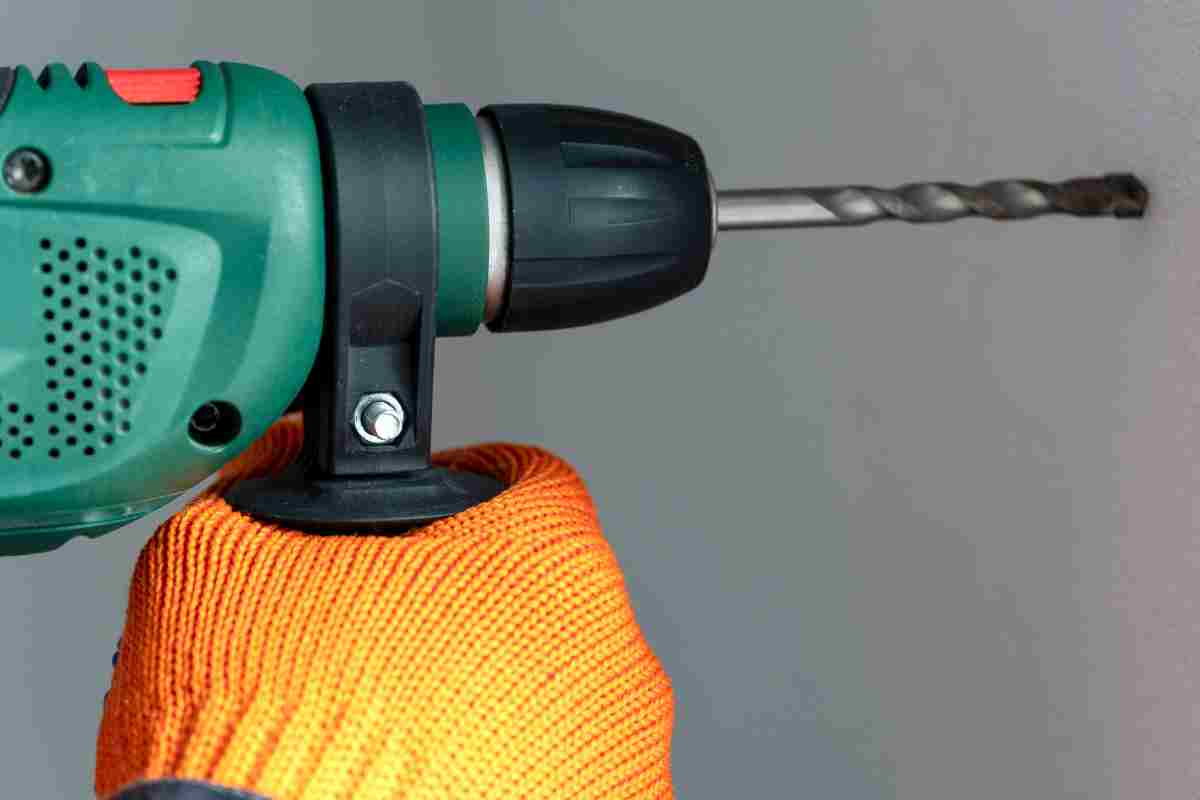
Use a hammer drill with masonry bits and concrete anchors or Tapcon-style screws rated for your mount.
Whenever possible, fasten into brick/concrete rather than soft mortar joints.
Vacuum dust from holes so anchors seat properly, then torque to spec.
Hide Cables the Right Way
A clean install is about safety and code, not just looks.
Power (High Voltage)
Don’t run the TV’s factory power cord inside the wall. Instead, use a UL-listed in-wall power relocation kit or have a recessed outlet installed behind the TV by a qualified pro. These solutions keep you code-conscious and tidy.
Low-Voltage (Signal Cables)
HDMI, optical, and Ethernet are low-voltage and can typically go through in-wall rated pass-throughs or a surface raceway.
Choose CL2/CL3-rated cables for in-wall use when applicable, and leave gentle service loops near the ports to prevent strain.
SEO tip: For a minimalist look, consider a single-cable eARC soundbar setup or in-wall rated HDMI routed to a media cabinet.
 Quick Troubleshooting & FAQs
How high should I mount a TV on the wall?
Start with the screen center at about 40–42 inches from the floor for couch height. If you must go higher (e.g., over a console or fireplace), use a tilt mount and test with painter’s tape before drilling.
Can I mount a TV on drywall without hitting studs?
Not recommended for most TVs. Use studs (or proper masonry anchors) whenever possible. If you have metal studs, use rated toggles or a backing plate designed for metal framing.
What if my studs don’t line up with the TV centerline?
Use a mount with a wide wall plate or horizontal adjustment. Many mounts allow the TV plate to slide left/right after the bracket is fixed.
Is a full-motion mount safe?
Yes—when installed with hardware rated for your wall type. Full-motion arms increase leverage, so proper anchors and a quality mount are essential, especially on metal studs.
Can I hide the power cord in the wall?
Use an in-wall power kit or have a recessed outlet installed. Don’t drop the factory power cord inside the wall cavity.
Pro vs DIY: Typical Costs & When to Call a Pro
DIY is realistic if you’re comfortable finding studs, drilling cleanly, and following the mount’s torque/hardware specs. Call a pro when:
You’re dealing with metal studs or masonry and don’t have the right anchors/tools
You’re mounting above a fireplace and want a heat check and perfect tilt
You need a new outlet installed or want concealed in-wall power and low-voltage runs
Typical U.S. pricing for basic on-stud installs is often in the low hundreds; complex jobs (masonry, fireplace, long cable runs, or large full-motion mounts) can cost more. Factor in materials, cable kits, and any electrical work.
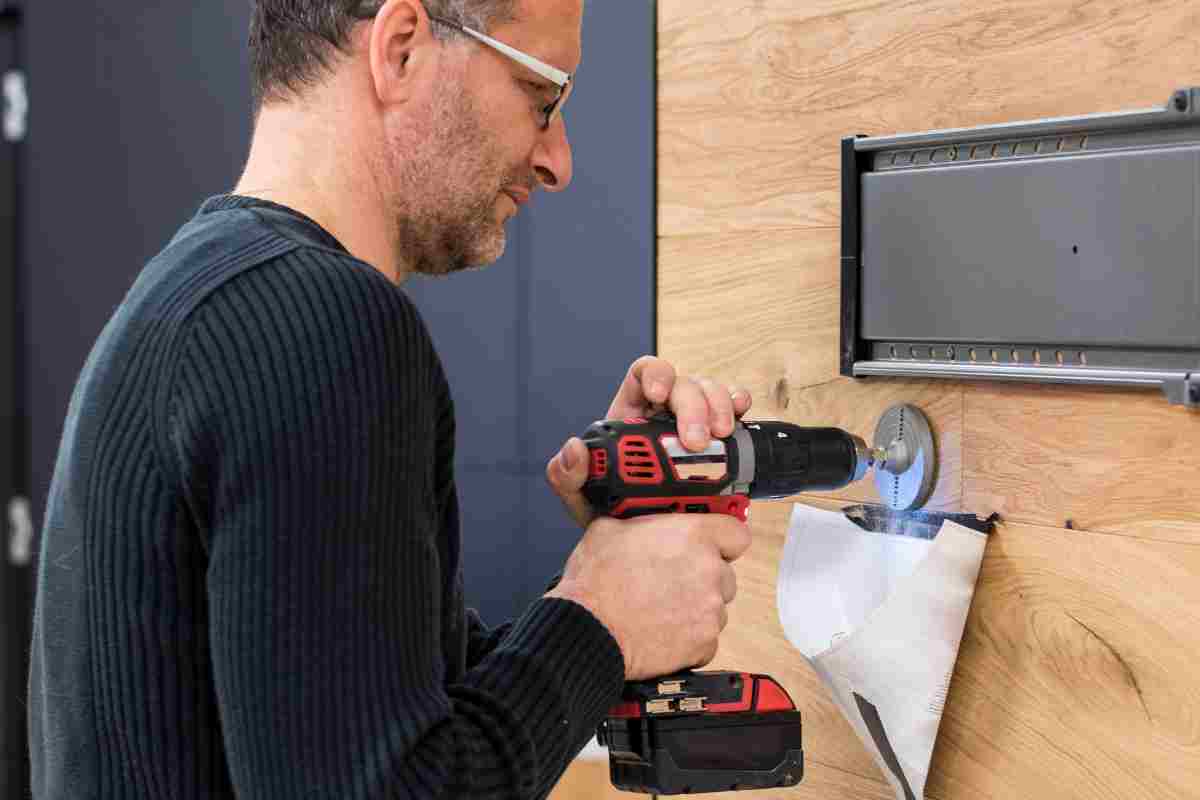 Final Checks Before You Hang the Screen
Confirm stud locations and mark hole centers with painter’s tape
Dry-fit the wall plate and level it before drilling
Use the correct drill bits and anchors/lag bolts per the mount manual
Leave service loops on HDMI and power so the TV can tilt/extend freely
Tighten all fasteners, then test tilt/swivel motion before finalizing
Snap on cable covers or route cables through the pass-throughs
Bottom line: With a proper stud finder, a mount that matches your TV’s VESA pattern and weight, and code-friendly in-wall power or raceways, you can mount a TV safely and stylishly in an afternoon.
Keep the center near eye level, choose tilt if you must go higher, and don’t skimp on hardware—your screen (and your wall) will thank you.
We hope you enjoy watching this video about The Most Simple Way to Mount a TV

Source: LRN2DIY
Did you find this post useful or inspiring? Save THIS PIN to your HOME Board on Pinterest! 😊

Once again, thank you for visiting our website!
We hope you've enjoyed exploring the content we've created for you.
Give yourself the chance to learn, get inspired, and have even more fun, keep browsing...
More Home Tips 👇🏼👇🏼